Managing hundreds of daily orders while fielding endless support queries creates bottlenecks that slow your entire operation. Manual order processing and fragmented customer communication eat hours your team could spend growing your business. This guide shows you how AI chatbots cut order processing time by 73% and reduce support escalations by 89% through strategic automation of your order management workflows.
Table of Contents
- Prerequisites And Planning For Ai-Powered Order Management
- Step-By-Step Implementation Of Ai Chatbots In Order Management Workflow
- Common Mistakes And Troubleshooting In Ai Order Management
- Expected Results And Success Metrics
- Conclusion And Next Steps For Scaling Ai Order Management Workflows
- Discover Custom Ai Solutions To Streamline Your Order Management
Key Takeaways
| Point | Details |
|---|---|
| Processing Speed | Order processing time drops by 73% through automated pipeline integration |
| Support Efficiency | AI chatbots deflect 70% of routine queries, reducing escalations by 89% |
| Revenue Impact | Average order value increases 10 to 15% with intelligent AI recommendations |
| Cost Savings | Automation saves $5 to $15 per order while improving cycle times over 40% |
| Implementation Focus | Target highest friction workflows first rather than highest volume tasks for better ROI |
Prerequisites and Planning for AI-Powered Order Management
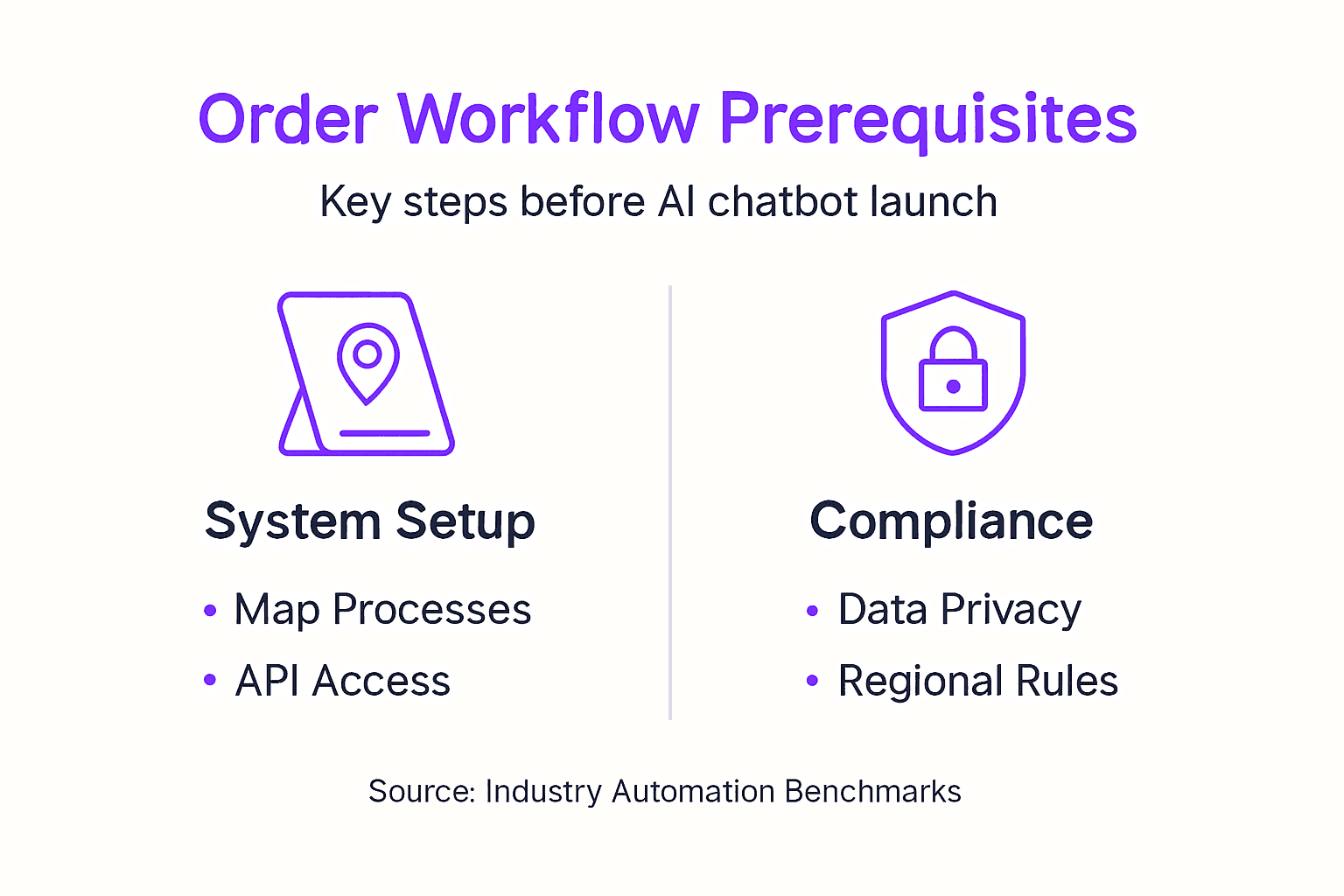
Before deploying AI chatbots into your order workflows, you need a clear picture of your current operation. Map your existing order management process from checkout to fulfillment, noting every manual touchpoint where staff handles routine queries or updates order status. This audit reveals which repetitive tasks drain the most time and frustrate customers waiting for responses.
Identify integration points with your e-commerce platform. Whether you run Shopify, WooCommerce, or Magento, verify that your AI chatbot platform integration can connect with your order management APIs, inventory systems, and shipping providers. Missing connections create data silos that undermine automation effectiveness.
Starting AI automation with highest friction handoffs rather than highest volume tasks yields better ROI and reduces complexity. For example, automating the context switching between your order platform and warehouse system delivers more impact than simply handling high volumes of basic FAQs. The highest ROI automations in e-commerce eliminate platform switching rather than only addressing volume.
Plan your escalation workflow before launch. Define which queries need human intervention and create clear handoff protocols. Complex returns, payment disputes, or custom order modifications require nuanced judgment that AI should route to skilled agents rather than attempt to resolve independently.
Consider compliance and data privacy requirements early in planning. GDPR, CCPA, and regional regulations govern how you collect and process customer data through chatbot interactions. Build these safeguards into your initial design rather than retrofitting them later.
Pro Tip: Start with a pilot program on one high friction workflow like order tracking updates. Measure results for 30 days, then expand automation to additional processes based on what you learn.
Planning Checklist:
- Audit current order processing steps and identify manual bottlenecks
- Verify e-commerce platform integrations and API access
- Map customer journey touchpoints suitable for AI automation
- Define escalation triggers and human handoff protocols
- Document compliance requirements and multilingual needs
- Set baseline metrics for processing time and support volume
For deeper insights on ecommerce automation ROI, review case studies showing friction point analysis and implementation strategies that delivered measurable efficiency gains.
Step-by-Step Implementation of AI Chatbots in Order Management Workflow
Successful AI chatbot deployment follows a structured sequence that connects your existing systems while building intelligent automation layer by layer. Start implementation after completing your prerequisite planning and integration verification.
1. Connect Your Core Systems
Begin by connecting chatbots with order systems through API integration. Link your chatbot to order management, inventory databases, and shipping APIs so it can retrieve real-time information. This foundation enables the chatbot to answer customer queries with accurate, current data rather than generic responses.
Automating the Shopify to warehouse order processing pipeline reduced order processing time by 73% in documented implementations. The key lies in eliminating manual data transfers between platforms.
2. Design Conversational Flows
Create conversation paths for your most common order management scenarios. Build flows for order placement assistance, tracking updates, modification requests, and return initiations. Each flow should gather necessary information efficiently while maintaining a natural conversational tone.
Structure conversations to resolve issues in the fewest possible exchanges. If a customer asks about order status, your chatbot should retrieve and display tracking information immediately rather than asking for multiple verification steps.
3. Implement Intelligent Routing
Set up decision logic that determines when to escalate queries to human agents. Brands using contextual automation see 89% fewer support tickets escalated to human agents due to intelligent routing and AI decision making. Your routing rules should consider query complexity, customer sentiment, and transaction value.
AI chatbots deflect up to 70% of routine e-commerce customer queries, freeing human agents for higher impact work. This deflection happens when AI confidently handles straightforward requests while smoothly transferring complex situations.
4. Deploy Multichannel Presence
Launch your chatbot across customer touchpoints including your website, Facebook Messenger, WhatsApp, and Instagram. Customers expect support where they naturally engage with your brand. Multichannel deployment ensures consistent service regardless of platform.
AI driven chatbots providing real-time order status, payment updates, and seamless returns management reduce response times and increase customer satisfaction in 24/7 e-commerce environments. Round the clock availability eliminates wait times that frustrate customers in different time zones.
5. Configure Multilingual Support
Enable language detection and response capabilities for your customer base. If you serve international markets, configure your chatbot to handle queries in Spanish, French, German, or other relevant languages. This expands your addressable market while maintaining service quality.
6. Monitor and Optimize Performance
Use dashboard monitoring for AI workflows to track resolution rates, escalation patterns, and customer satisfaction scores. Review conversation logs weekly to identify gaps in your chatbot’s knowledge base or flows that need refinement.
Continuous optimization improves results over time. Analyze which queries get escalated most frequently and enhance your AI’s ability to handle those scenarios. Track average handling time and look for opportunities to streamline multi step processes.
Pro Tip: Launch with conservative escalation rules that send more queries to humans initially. Gradually expand AI autonomy as you verify accuracy and customer satisfaction with automated responses.
Implementation Sequence:
- Integrate APIs for orders, inventory, and shipping and returns systems
- Build conversation flows for top 5 order management scenarios
- Configure escalation triggers and routing logic
- Deploy across web and messaging channels
- Enable multilingual capabilities
- Activate monitoring dashboards
- Iterate based on performance data
For AI workflow efficiency data and query deflection rates, review industry benchmarks showing what successful implementations achieve. Understanding real-time customer support benefits helps set realistic expectations for your deployment.
Common Mistakes and Troubleshooting in AI Order Management
Even well planned AI deployments encounter obstacles that undermine effectiveness. Recognizing these pitfalls early lets you course correct before they damage customer relationships or operational efficiency.
Inadequate Escalation Protocols
Not escalating complex issues promptly frustrates customers who need human judgment for nuanced situations. Build robust escalation workflows that trigger on specific keywords, sentiment indicators, or conversation length. If your chatbot can’t resolve a query in three exchanges, route it to a human agent.
Review your AI monitoring and escalation setup regularly to ensure triggers activate appropriately. Customers should never feel trapped in an endless loop with an AI that can’t help them.
Integration Failures and Data Inconsistencies
Integration failures cause data inconsistencies and frustrated customers when order status information doesn’t match reality. Active monitoring is essential to catch API connection breaks, authentication errors, or data sync delays.
Use chatbot troubleshooting dashboards to track integration health metrics. Set up alerts for failed API calls or response time spikes so your team can address issues before customers notice problems.
Over Automation Without Human Backup
Attempting to automate everything removes the human touch that builds customer loyalty. Some situations require empathy, creativity, or policy exceptions that AI can’t deliver. Maintain clear paths for customers to reach human agents, especially for high value orders or sensitive situations.
Balance automation efficiency with service quality. If your customer satisfaction scores drop after deployment, you may be automating scenarios better handled by people.
Neglecting Multilingual and Cultural Nuances
Deploying English only chatbots to global customers creates frustration and abandoned carts. Configure language detection and culturally appropriate responses for your target markets. Translation alone isn’t enough; understand regional expectations for service style and formality.
Insufficient Ongoing Optimization
Launching your chatbot isn’t the finish line. Customer needs evolve, product catalogs change, and policies update. Schedule monthly reviews of chatbot performance data, conversation logs, and customer feedback. Refine flows, expand knowledge bases, and adjust escalation rules based on what you learn.
For insights on common AI chatbot pitfalls, review case studies showing what went wrong and how teams corrected course to achieve better outcomes.
Troubleshooting Checklist:
- Verify escalation triggers activate within 3 conversation exchanges
- Monitor API health and connection status daily
- Test chatbot responses across all integrated platforms weekly
- Review customer satisfaction scores and conversation logs
- Update knowledge base monthly with new products and policies
- Ensure multilingual responses maintain cultural appropriateness
Expected Results and Success Metrics
Measuring AI chatbot impact requires tracking specific metrics that connect automation to business outcomes. Set baselines before deployment so you can quantify improvements accurately.
Processing Speed and Efficiency Gains
Order processing time reductions by 70% or more and up to 89% reduction in escalated support tickets represent achievable benchmarks. These gains come from eliminating manual data entry, reducing context switching between platforms, and enabling instant order status lookups.

Track average time from order placement to fulfillment confirmation. Compare pre automation baselines to post deployment averages over 30 and 90 day periods. Factor in order volume increases to ensure efficiency scales with growth.
Support Ticket and Cost Reductions
Monitor total support tickets, escalation rates, and average resolution time. When AI handles routine queries automatically, your human agents focus on complex issues requiring judgment and creativity. This shift improves both efficiency and job satisfaction.
Average order value increases by 10 to 15% with personalized AI assistance and cost savings of $5 to $15 per order. Calculate your cost per order by dividing total support costs by order volume. Track this monthly to quantify savings as automation scales.
Revenue Impact Metrics
AI recommendations during checkout conversations lift average order values when done naturally. Track metrics like:
- Average order value before and after AI deployment
- Conversion rate for chatbot assisted purchases
- Cart abandonment recovery rate
- Upsell and cross sell success rates
Key Performance Indicators
| Metric | Pre AI Baseline | Target Improvement | Measurement Frequency |
|---|---|---|---|
| Order Processing Time | Average hours | 70%+ reduction | Weekly |
| Support Ticket Escalations | Total volume | 89% reduction | Daily |
| Query Resolution Rate | Percentage | 70%+ automated | Daily |
| Average Order Value | Dollar amount | 10 to 15% increase | Weekly |
| Cost Per Order | Dollar amount | $5 to $15 savings | Monthly |
| Customer Satisfaction Score | CSAT rating | Maintain or improve | Weekly |
Use measuring AI chatbot performance dashboards to track these KPIs in real time. Set up automated reports that highlight trends and anomalies requiring attention.
Long Term Value Creation
Beyond immediate efficiency gains, track how automation enables growth that wasn’t possible with manual processes. Can you now handle 2x order volume without adding support staff? Does faster processing reduce customer inquiries about order status?
Review cost savings analysis quarterly to understand total ROI including hard savings like reduced labor costs and soft benefits like improved customer satisfaction enabling higher retention rates.
For order processing statistics and order value uplift data, compare your results to industry benchmarks showing what successful implementations achieve.
Conclusion and Next Steps for Scaling AI Order Management Workflows
Successful AI order management automation starts with strategic planning focused on your highest friction workflows rather than simply addressing high volume tasks. You’ve learned how proper integration with your e-commerce platform, intelligent escalation protocols, and continuous optimization drive the 70%+ processing time reductions and 89% support ticket decreases that leading implementations achieve.
Your next steps depend on where you are in the implementation journey. If you’re still planning, prioritize mapping your current order workflow to identify automation opportunities. If you’ve deployed AI chatbots, focus on refinement through analytics review and customer feedback integration.
Scaling Your AI Workflows:
- Expand automation to additional order management scenarios after proving initial success
- Integrate AI with more backend systems like CRM and marketing automation platforms
- Deploy multilingual capabilities to serve international markets
- Build predictive capabilities that anticipate customer needs before they ask
- Train your support team to handle escalated queries more effectively
Use analytics to guide expansion decisions. Which manual processes still create bottlenecks? Where do customers express frustration in conversation logs? Let data drive your roadmap rather than automating for automation’s sake.
Prepare for scale by choosing scalable AI chatbot platforms that grow with your business. As order volumes increase, your automation infrastructure should handle additional load without degradation. Plan capacity based on seasonal peaks and growth projections.
Consider advanced integrations for AI workflows that connect more aspects of your e-commerce operation. The more systems your AI can access, the more complete and helpful its responses become. Each integration multiplies the value of your automation investment.
Remember that AI order management is an ongoing optimization process, not a one time implementation project. Markets change, customer expectations evolve, and new technologies emerge. Build a culture of continuous improvement where your team regularly reviews performance data and implements refinements.
The e-commerce operations that thrive tomorrow are the ones investing in intelligent automation today. Start small, measure everything, and scale what works. Your customers will notice faster service, your team will appreciate focusing on meaningful work, and your business will benefit from efficiency gains that compound over time.
Discover Custom AI Solutions to Streamline Your Order Management
Ready to implement the order management automation strategies you’ve learned? AI chatbot platform solutions built specifically for e-commerce deliver the integrations, escalation protocols, and multichannel capabilities that drive results.
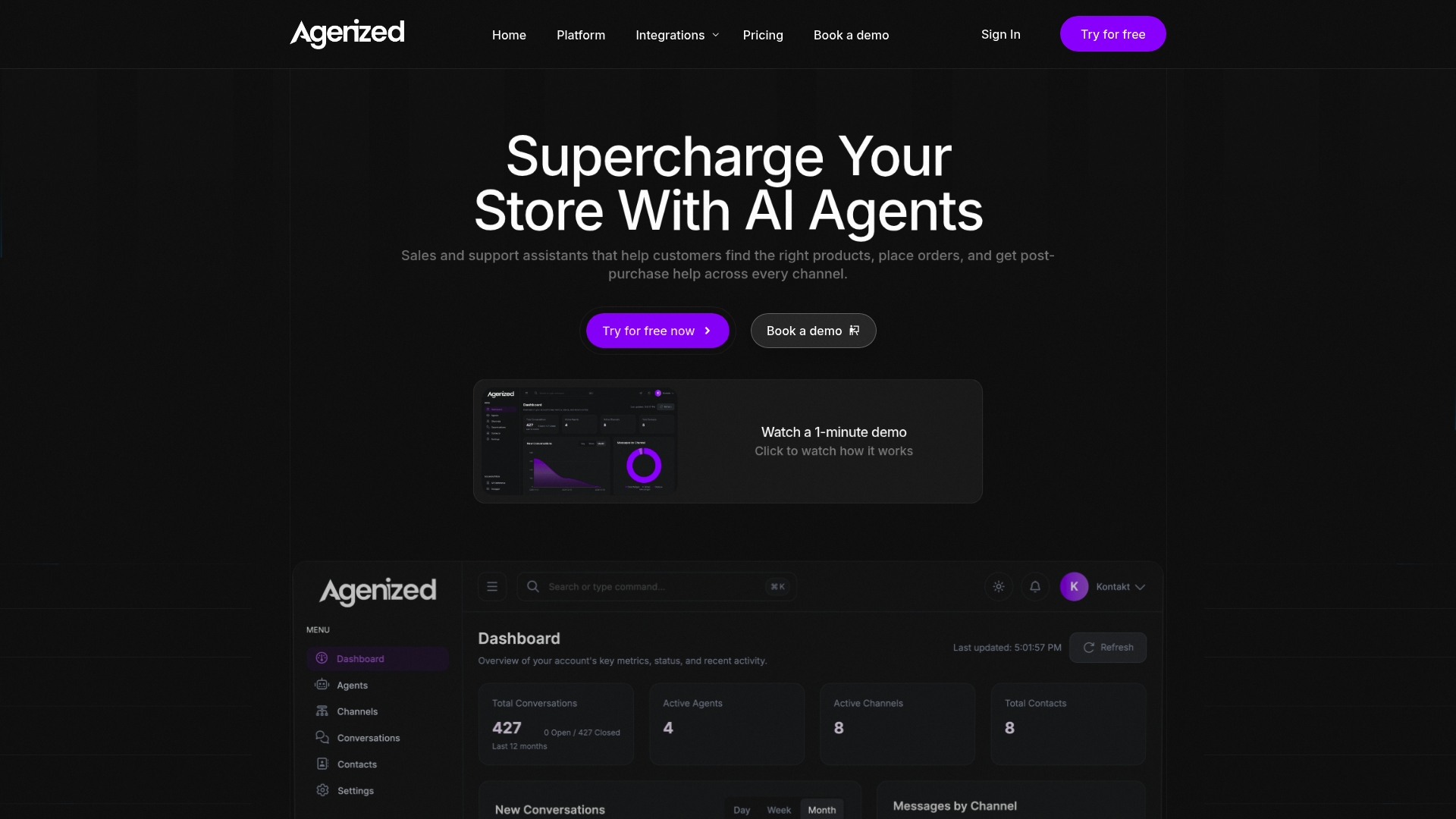
Seamless e-commerce integrations with Shopify, WooCommerce, and Magento connect your order systems, inventory databases, and shipping providers automatically. Deploy intelligent Shopify order management tools that retrieve order details, update tracking information, and handle returns through natural conversations. Your customers get instant answers while your team focuses on growing your business.
FAQ
What are the key prerequisites before implementing an AI order management chatbot?
You need API access to your order management system, inventory database, and shipping providers. Identify repetitive tasks consuming the most staff time and map escalation paths for complex queries requiring human judgment. Verify compliance requirements and multilingual needs for your customer base.
How does AI chatbot integration reduce customer support tickets?
AI handles up to 70% of routine queries like order status, tracking updates, and return initiations automatically. Intelligent routing sends complex issues to human agents while resolving straightforward requests instantly. This deflection strategy reduces escalations by up to 89% while maintaining service quality.
What common mistakes should I avoid when deploying AI chatbots in order management?
Ensure robust escalation workflows trigger within three conversation exchanges to prevent customer frustration. Monitor integration health daily to catch API failures causing data inconsistencies. Avoid over automation that removes necessary human judgment. Implement multilingual support matching your customer demographics from launch rather than retrofitting later.
What results can I realistically expect after implementing AI in order workflows?
Order processing time typically drops 70% or more through automated pipeline integration. Support ticket escalations decrease up to 89% as AI resolves routine queries. Average order value often increases 10 to 15% with intelligent recommendations. Cost savings range from $5 to $15 per order while cycle times improve over 40%.